
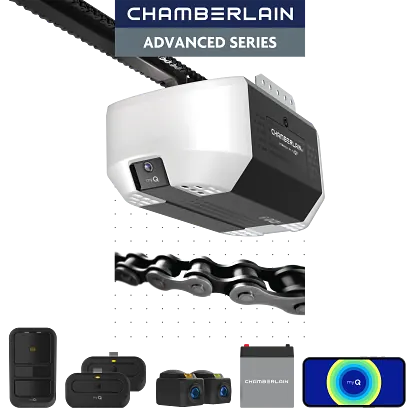
 C4310
C43103/4 HP Chain Drive Opener with Battery Backup and myQ Connectivity — Repair & Installation
The Chamberlain Group LLC manufactures and markets some of the world's most reliable, efficient and cost-effective Garage Door Opener products for do-it-yourself installation. The full product line includes residential garage door openers a
- Chain drive
- myQ Wi-Fi built in — control from anywhere via the app — works with Alexa + Google Home
- Integrated battery backup — opens the door during a power outage
- LED lighting — bright, low-energy, and long-lasting
- Security+ 3.0 rolling-code security
- Warranty: 5-year motor, 1-year parts, 1-year chain / belt
Looking to Repair or Install the Chamberlain C4310 in Phoenix or the East Valley?
Need same-day Chamberlain C4310 repair, installation, or a professional tune-up in Phoenix, Mesa, Gilbert, or the East Valley? Farnsworth handles every Chamberlain C4310 in the Valley — whether yours needs a fix, a replacement, or a fresh install on a new door.
The Chamberlain C4310 is a 3/4 HP chain-drive opener with battery backup and myQ — strong, durable, and outage-ready for detached or heavier doors. Farnsworth installs the C4310 throughout Phoenix and the East Valley, and we repair the chain, sprocket, and battery on existing units.
The Chamberlain C4310 is a DC motor chain drive. Wi-Fi is built in, and it works with Alexa and Google Home, and battery backup carries the door through Arizona monsoon-season outages. Chamberlain backs the motor with a 5-year warranty.
At a Glance
Common Chamberlain C4310 Problems We Fix
If your Chamberlain C4310 is acting up, here's what we see most often — and we repair every one of these as part of our garage door opener repair & replacement service across the Phoenix area. Call us at (602) 935-9766 and we'll get it sorted.
- The door won't open or close Usually a failed logic board, capacitor, motor, or travel module — or a tripped safety sensor. We diagnose the exact cause instead of guessing. what to check when it won't close →
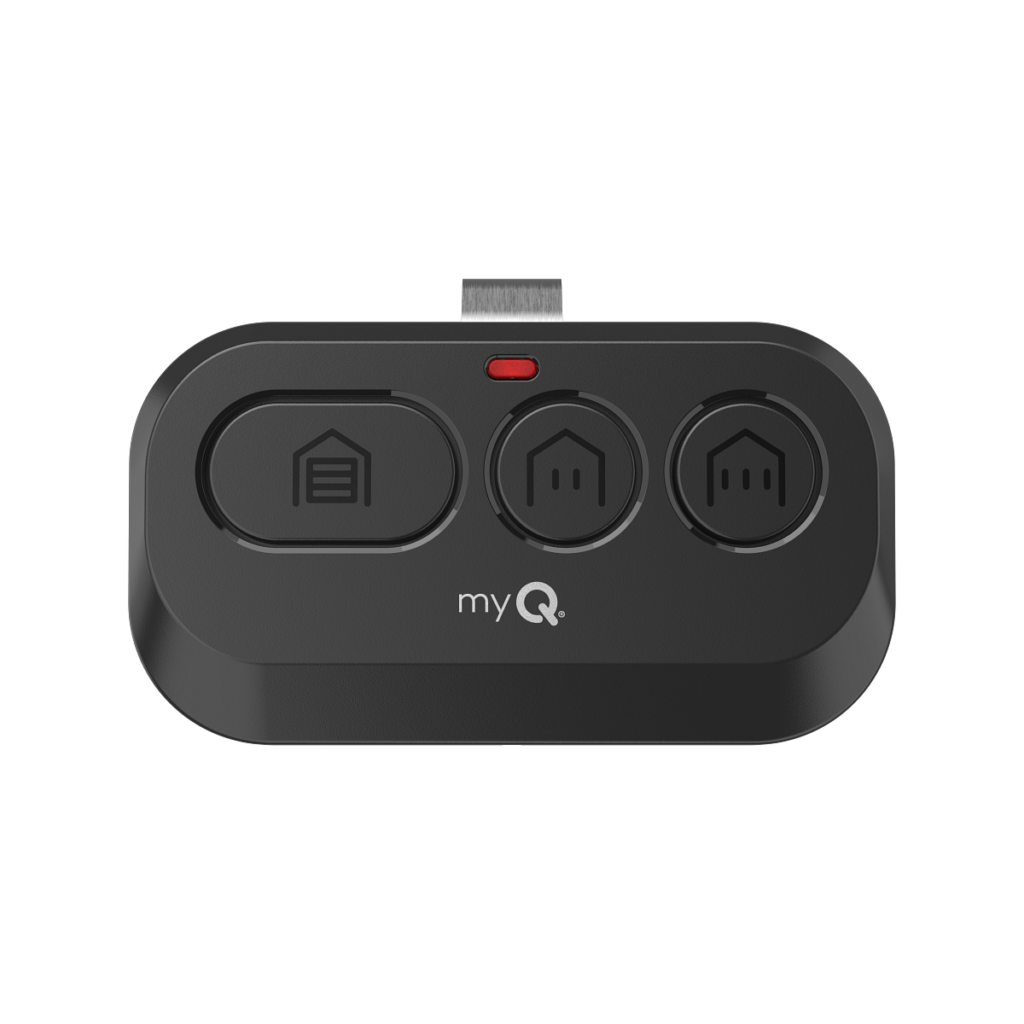
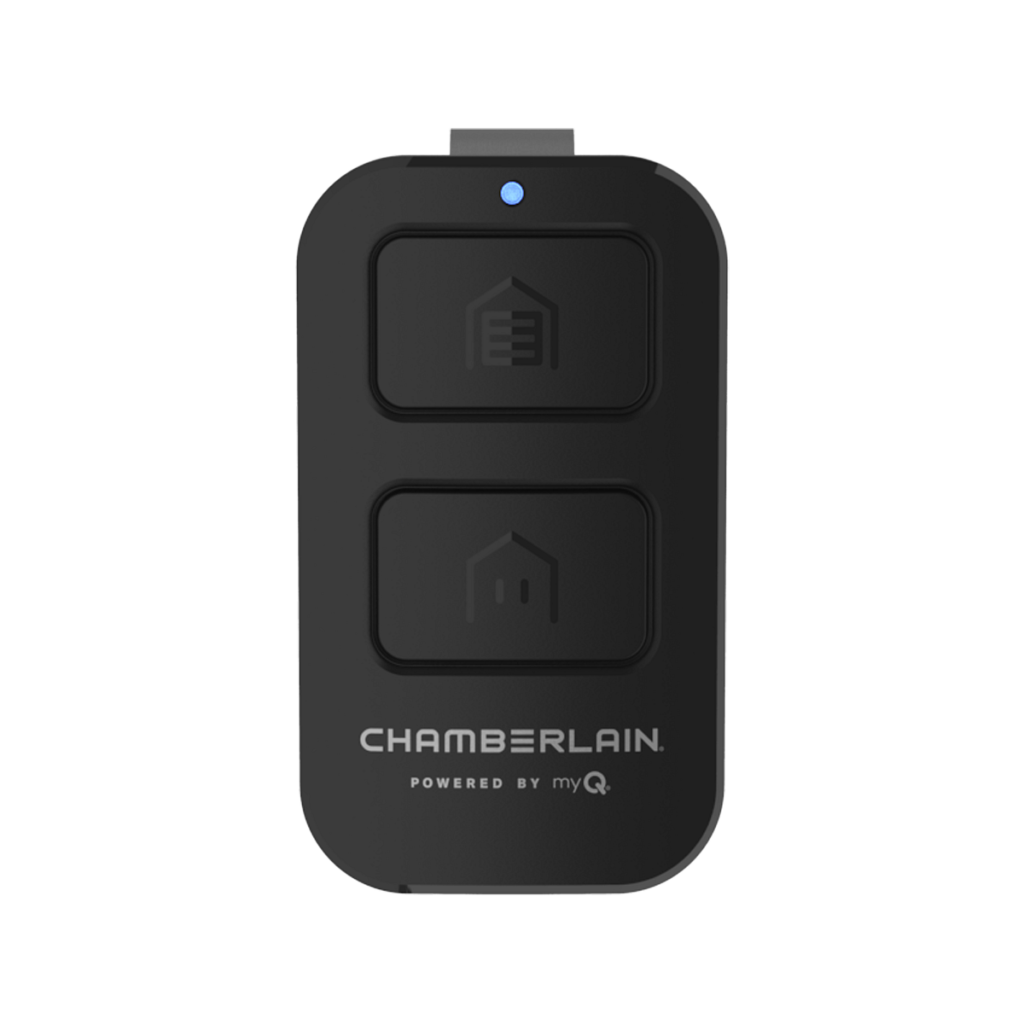
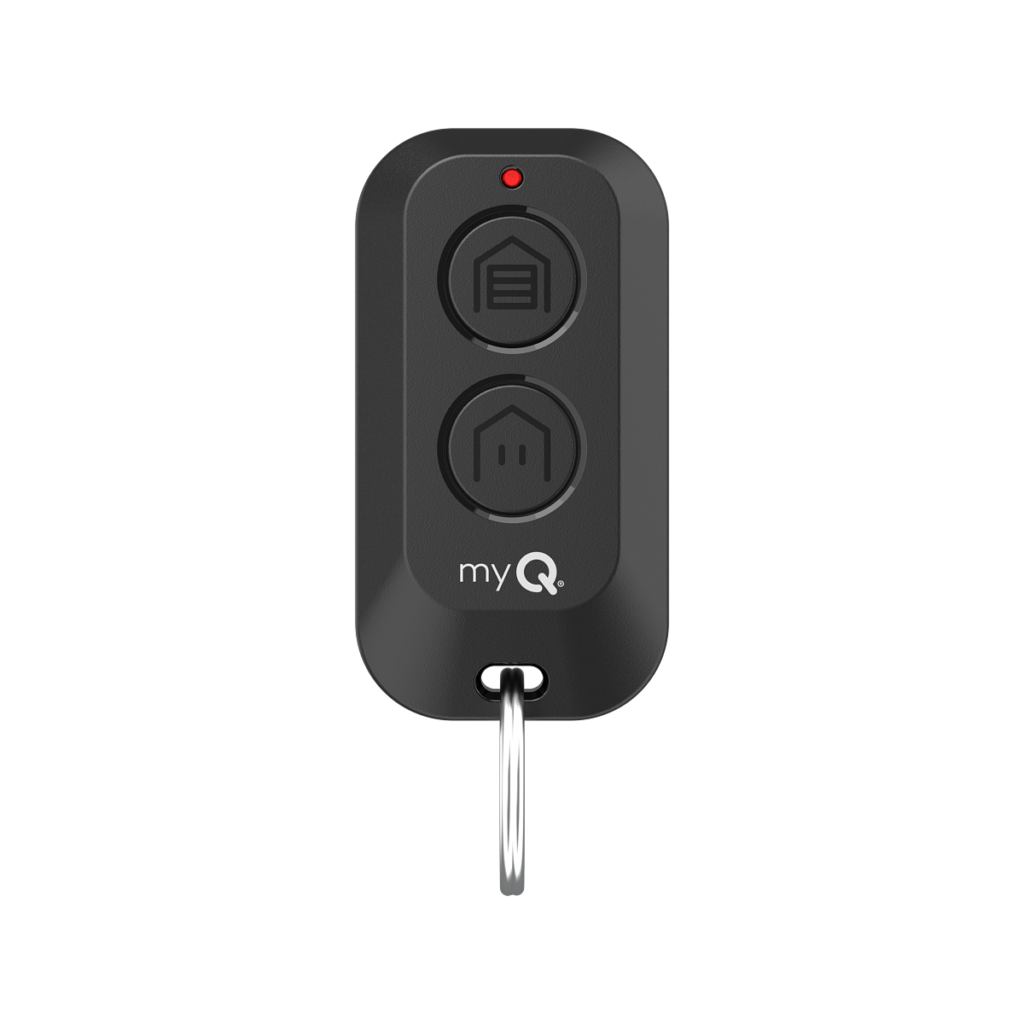
- The remote or keypad stopped working Often a reprogramming issue, a worn receiver, or a dead remote battery. We carry the right remotes and keypads for the Chamberlain lineup. remote troubleshooting steps →
- It's gotten loud, rattles, or grinds On a chain drive, that's typically a loose or worn chain, a failing sprocket, or a gear that needs replacing. We re-tension, lubricate, or rebuild the drive as needed. how to tell if the chain is the problem →
- The door reverses before closing, or won't stay shut Almost always the safety sensors (photo eyes), the travel limits, or the force settings. Quick to diagnose, quick to fix. how to check the safety sensors →
- The motor runs but the door doesn't move The drive has disengaged or a gear has stripped. We re-engage the trolley or replace the gear assembly. why the motor runs but nothing moves →
- myQ or Wi-Fi won't connect Could be the logic board, the home network, or a firmware issue. We get the Chamberlain C4310 back online and walk you through the myQ app.
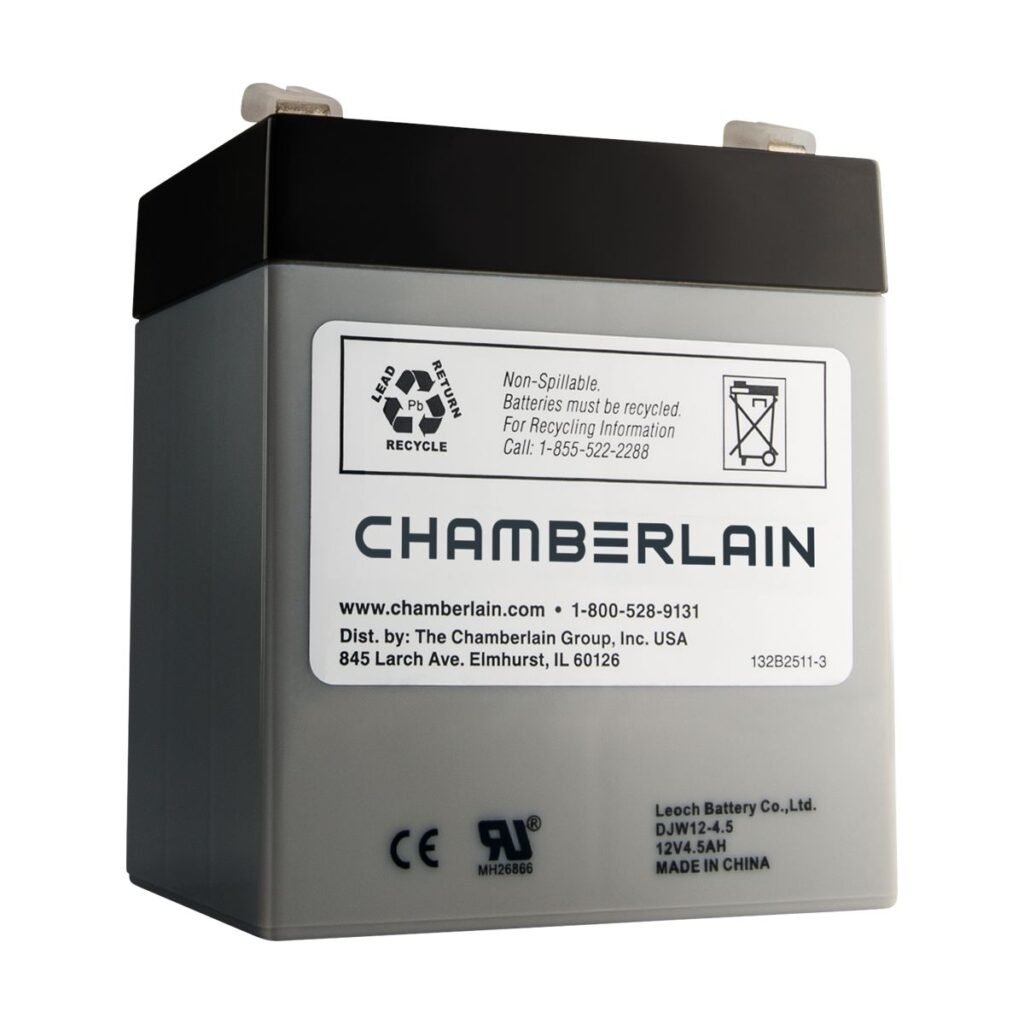
- Battery backup isn't holding a charge Backup batteries wear out every few years — especially in Arizona heat. We test and replace them so you're never stuck during a monsoon outage.
Diagnostic Codes & Common Symptoms
If your opener is misbehaving, the fault is almost always one of the patterns below. Start here before calling a technician — often you can rule out the small stuff yourself in under five minutes.
What the diagnostic light or display is telling you
Programming session timed out
The opener was in programming mode but no button was pressed within the time window. Start the pairing sequence over — pressing your remote or keypad button within 30 seconds of pressing LEARN.
Safety sensors misaligned
The two little sensors at the base of your tracks aren't seeing each other. Wipe both lenses clean, then adjust them gently until you get a steady red light on the receiver side.
Door is binding or hitting an obstruction
Something along the tracks is stopping the door — an obstruction, a bent track, or worn rollers. Disconnect the trolley and roll the door by hand to feel where the resistance is.
Symptoms you can spot without any tools
Door won't close all the way
Usually a safety-sensor issue at the bottom of the tracks — dust, cobwebs, or sun glare knocking them out of alignment. Wipe the lenses, make sure both little indicator lights glow steady, and try again. If it still won't close, the door itself may be binding on the tracks.
Door starts down, then reverses back up
This is the opener catching either a real obstruction or a false one. Check the tracks for anything sitting in the way, then look at the safety sensors down by the floor. If both are clear, the close-force setting may be dialed too low for the door's weight.
Opener beeps for no apparent reason
On battery-backup models, that's usually a low-battery warning or a periodic self-test. Check the battery status LED on the powerhead — if it's red or flashing, the internal battery is due for replacement.
Remote won't open the door
Start with a fresh battery in the remote — it's the most common cause and the easiest to rule out. If a new battery doesn't bring it back, re-pair the remote by holding the LEARN button on the powerhead until the indicator lights, then press your remote button once.
Neighbor's remote opens your door
Rare on modern openers, but it happens on older units that share a small set of dip-switch codes. Wipe every remote out of memory (hold LEARN until the LED goes out), then re-pair only the remotes you actually use.
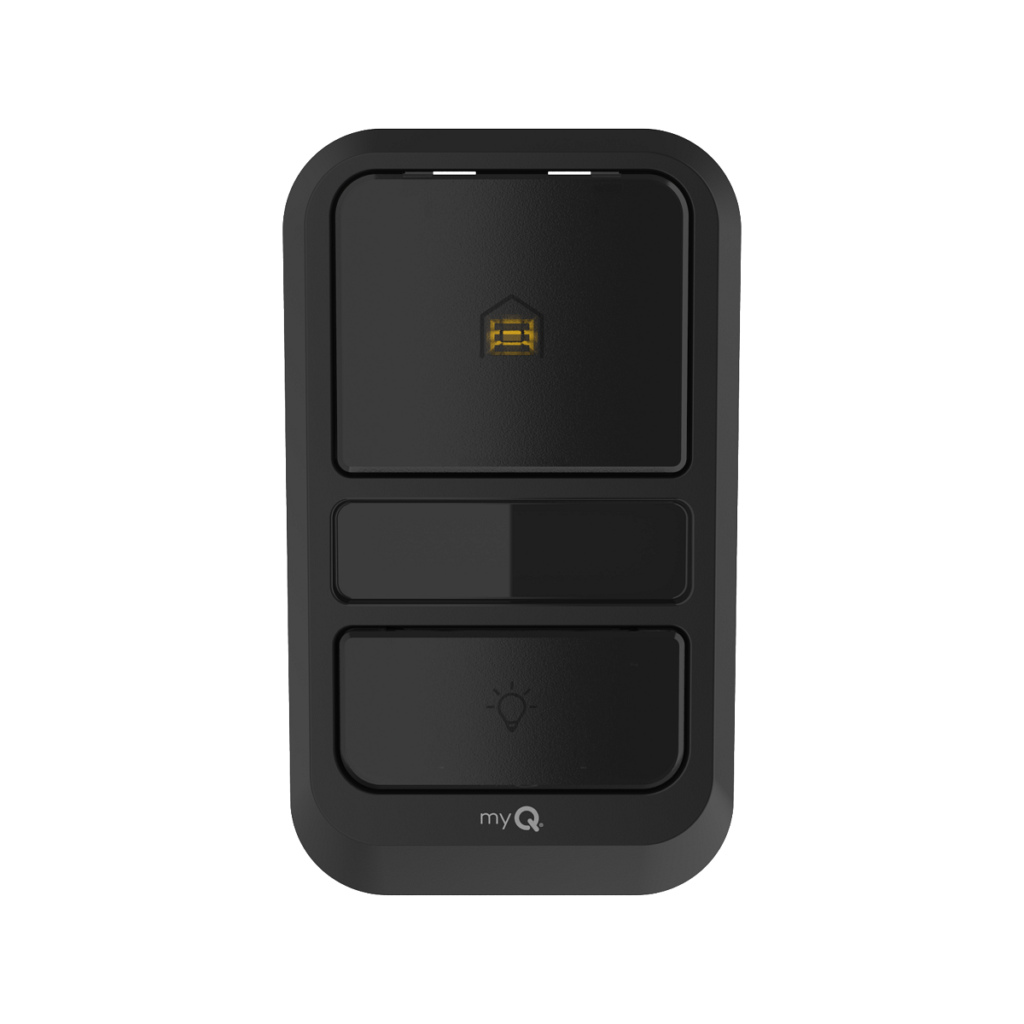
Wall control does nothing when pressed
Nine times out of ten this is a loose or nicked wire between the wall button and the powerhead. Pop the button off the wall, check that both wires are firmly seated in the terminals, and look for staples pinching the run anywhere along its path.
Opener hums but the door doesn't move
The motor is trying but something's stopping it — a broken torsion spring, a snapped cable, or the trolley disconnected from the rail. Broken springs are dangerous to work on; if you spot one, please leave the door alone and give us a call.
Opener won't connect to Wi-Fi
Powerheads mount high in the garage where a 2.4 GHz signal can be weak. Confirm your phone is on the same 2.4 GHz band (not 5 GHz) during pairing, and factory-reset the opener's Wi-Fi module before trying again.
HomeLink in your car won't pair to the opener
HomeLink 4, 5, and 6 each pair a little differently. The safest sequence is: clear all HomeLink buttons in your car first, then follow your vehicle manual's "training" steps while a helper watches the powerhead LED for the confirmation signal.
Door binds or catches as it moves
The door itself, not the opener, is usually at fault here. Disconnect the trolley (pull the red release cord) and lift the door by hand — if it feels heavy or fights you, the springs are out of balance and need a professional. That's exactly the kind of tune-up we run every day across the East Valley.
Battery backup won't hold a charge
Sealed lead-acid backup batteries typically last 3–5 Arizona summers before they lose the ability to hold a charge. If the powerhead flashes a battery warning even after a full charge cycle, it's time for a replacement.
Programming Guide
These steps are the same ones we walk homeowners through over the phone. Start with a fresh battery in whatever you’re pairing (remote, keypad, or car), then follow the sequence.
Pair a remote control
- Press and release the LEARN button on the back of the powerhead. The indicator light will glow.
- Within 30 seconds, press the button on your remote you want to use for this door.
- Watch for the confirmation signal — usually the opener light flashing twice or a pair of clicks.
Confirmation signal: look/listen for the opener light flashing twice or two audible clicks.
Set up a wireless keypad PIN
- Press and release the LEARN button on the back of the powerhead. The indicator light will glow.
- Within 30 seconds, enter your chosen 4-digit PIN on the keypad.
- Press and hold the ENTER button until the opener light flashes to confirm.
PIN length: 4–4 digits — pick something you’ll remember but wouldn’t be a neighbor’s obvious guess.
Erase every remote from memory (if lost or stolen)
- Press and hold the LEARN button until the indicator LED turns off (about 6 seconds).
This wipes every paired remote and keypad from the opener’s memory. Re-pair only the ones you want to keep afterward.
Works with HomeLink
This opener pairs with HomeLink versions 4.0, 5.0, 6.0. If your car has an older HomeLink 3 or earlier, you’ll need a repeater — call us and we’ll walk you through it.
When It Isn't the Opener
Before you replace a Chamberlain opener, it's worth ruling out the door itself. These three account for most of the calls where the opener turned out to be working fine.
- A broken spring The most common reason an opener suddenly can't lift a door. The opener is fine — it's being asked to lift several hundred pounds on its own.
- A door that's too heavy to lift by hand If you can't lift it manually with the opener disconnected, the counterbalance is out — no opener will fix that.
- How to test the door's balance A two-minute check that tells you whether the problem is the opener or the door.
Features Explained
Wi-Fi + myQ app control
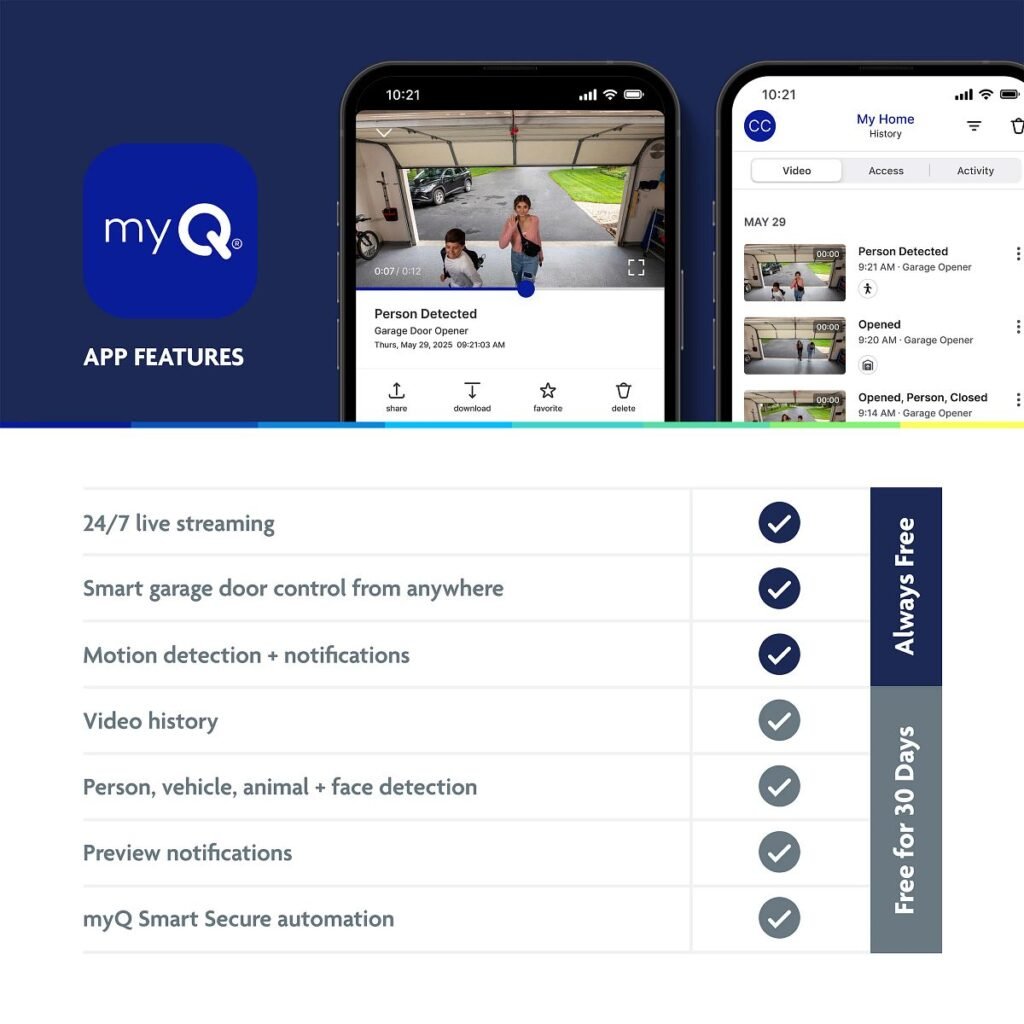
Open, close, and check the status of your garage from your phone anywhere in the world. The myQ app also sends a notification if the door is left open longer than you set — handy if you left in a hurry.
Works with Amazon Alexa
Ask Alexa to close the garage or check whether it's open. Works with any Alexa-enabled speaker or display.
Works with Google Home
Talk to Google to operate the door hands-free — useful when your hands are full or you're halfway down the driveway.
LED lighting
Bright, long-life LED lighting comes on when the door moves. Uses a fraction of the power of an incandescent bulb and lasts many times longer.
Integrated battery backup
Opens and closes the door during a power outage — critical during Arizona monsoon-season blackouts. Most models get 20–50 cycles per full charge before the backup needs a rest.
Security+ 3.0 rolling-code security
The newest Security+ system with an encrypted, one-time code per press. Uses a white LEARN button (versus the yellow of Security+ 2.0) — remotes and keypads must match.
Soft start and soft stop
Ramps the door up to speed and gently slows it at each end of travel. Quieter, easier on the door hardware, and adds years of life to the springs.
HomeLink compatible
Pairs with the HomeLink buttons built into most modern vehicles, so you can open the door from your car's visor or dashboard without a separate remote.
Quiet DC motor
DC motors run noticeably quieter than the older AC-motor openers — noticeable if a bedroom shares a wall with the garage.
Timer-to-close
Set the opener to automatically close after a chosen number of minutes if you left the door open. Great for those "did I close the garage?" moments.
Convenience & Safety Features
Product Gallery
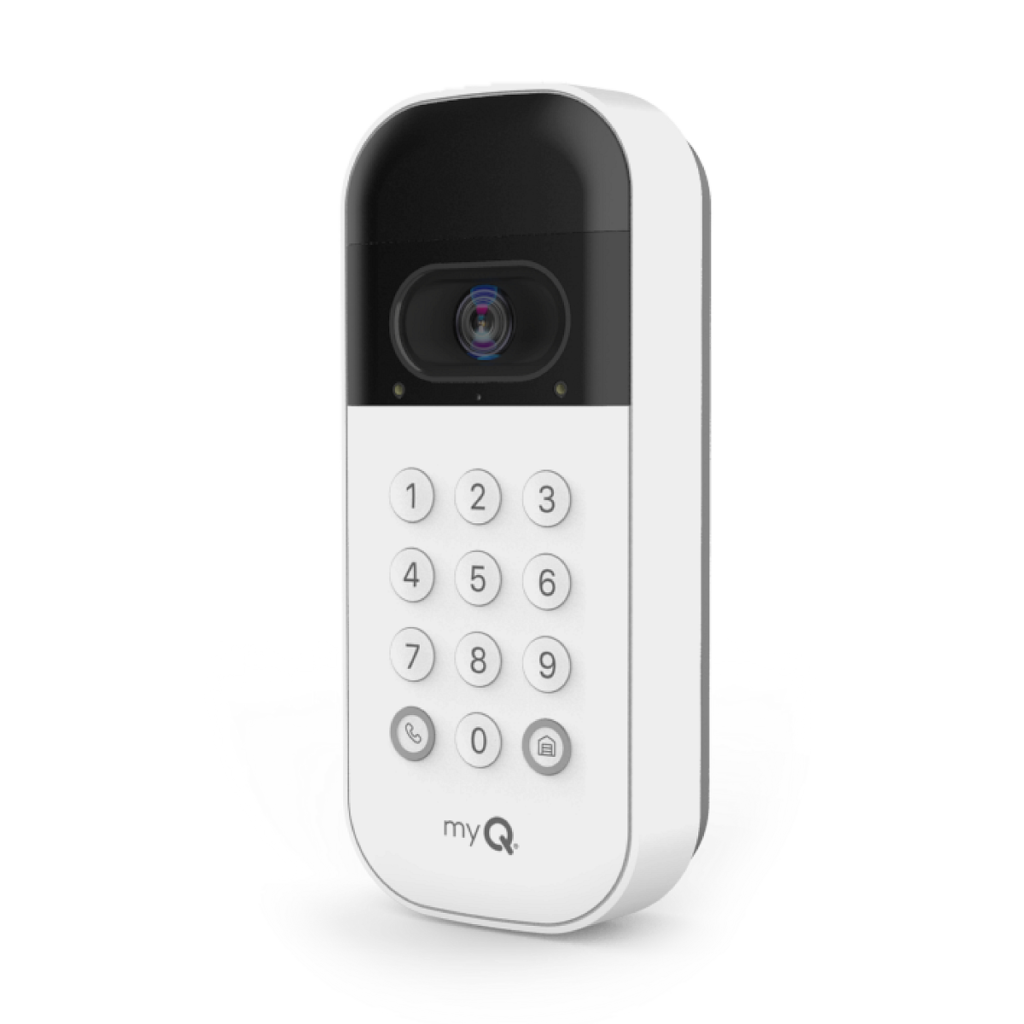
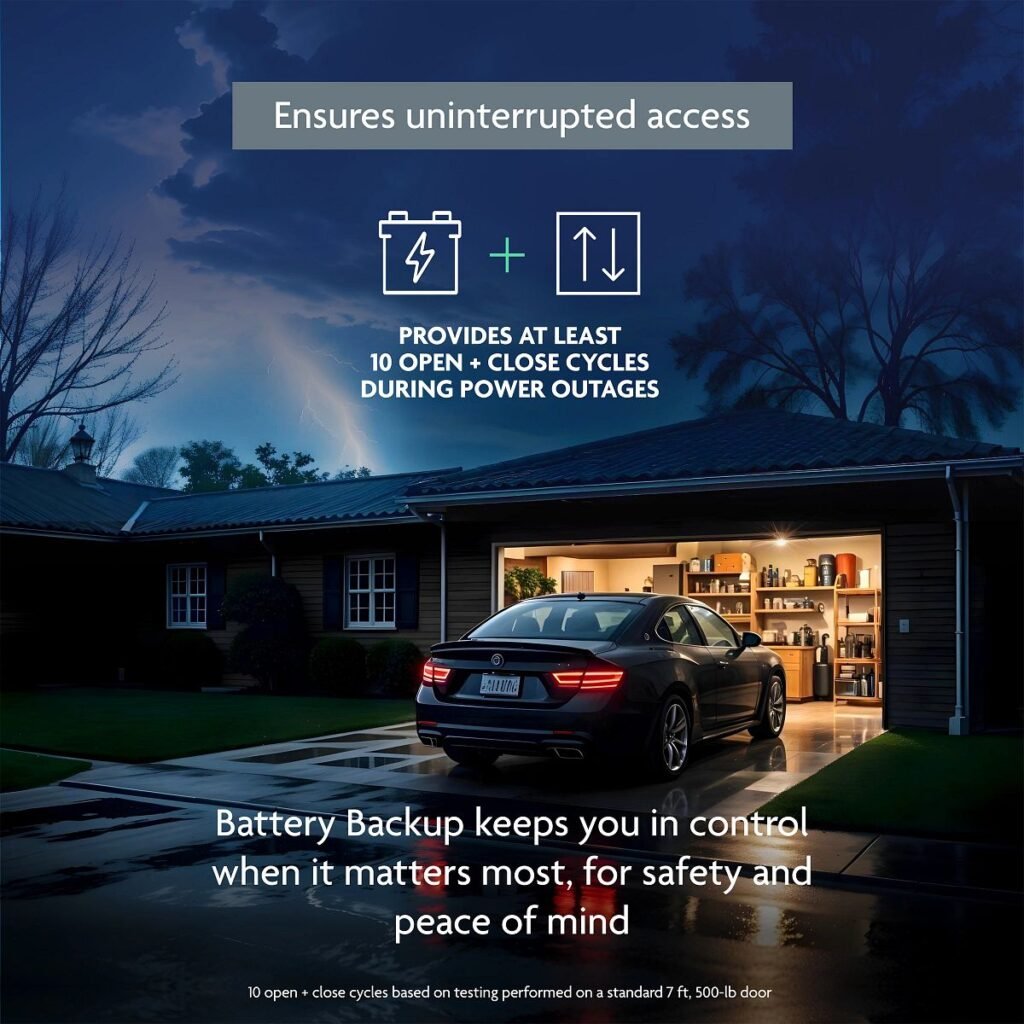
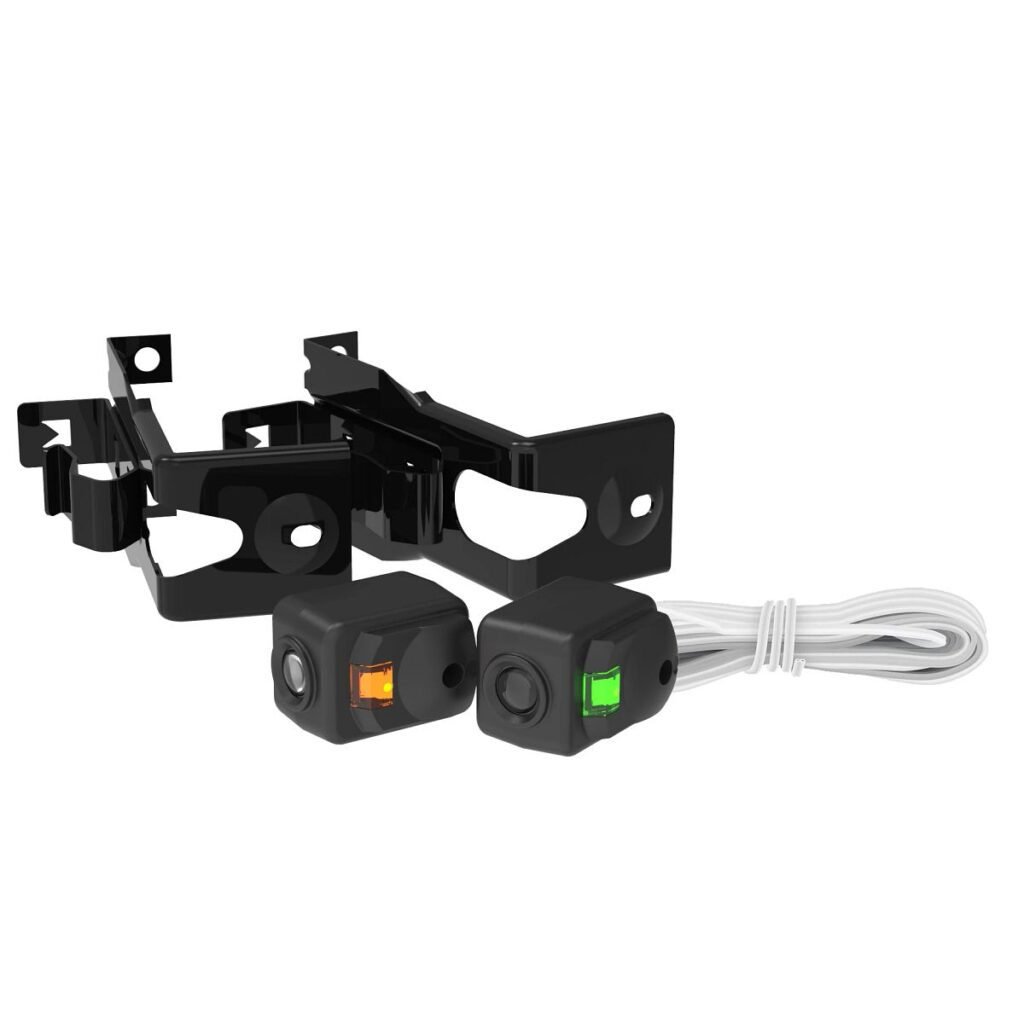
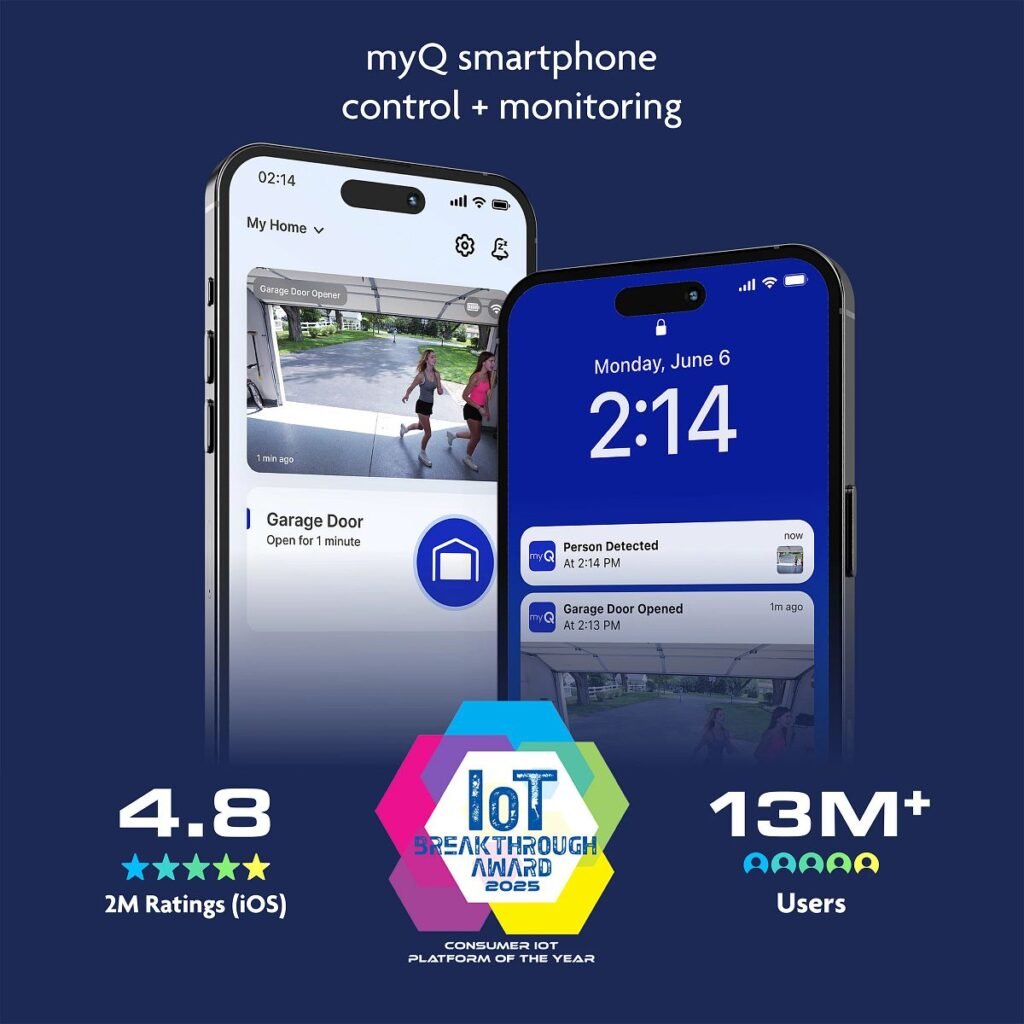
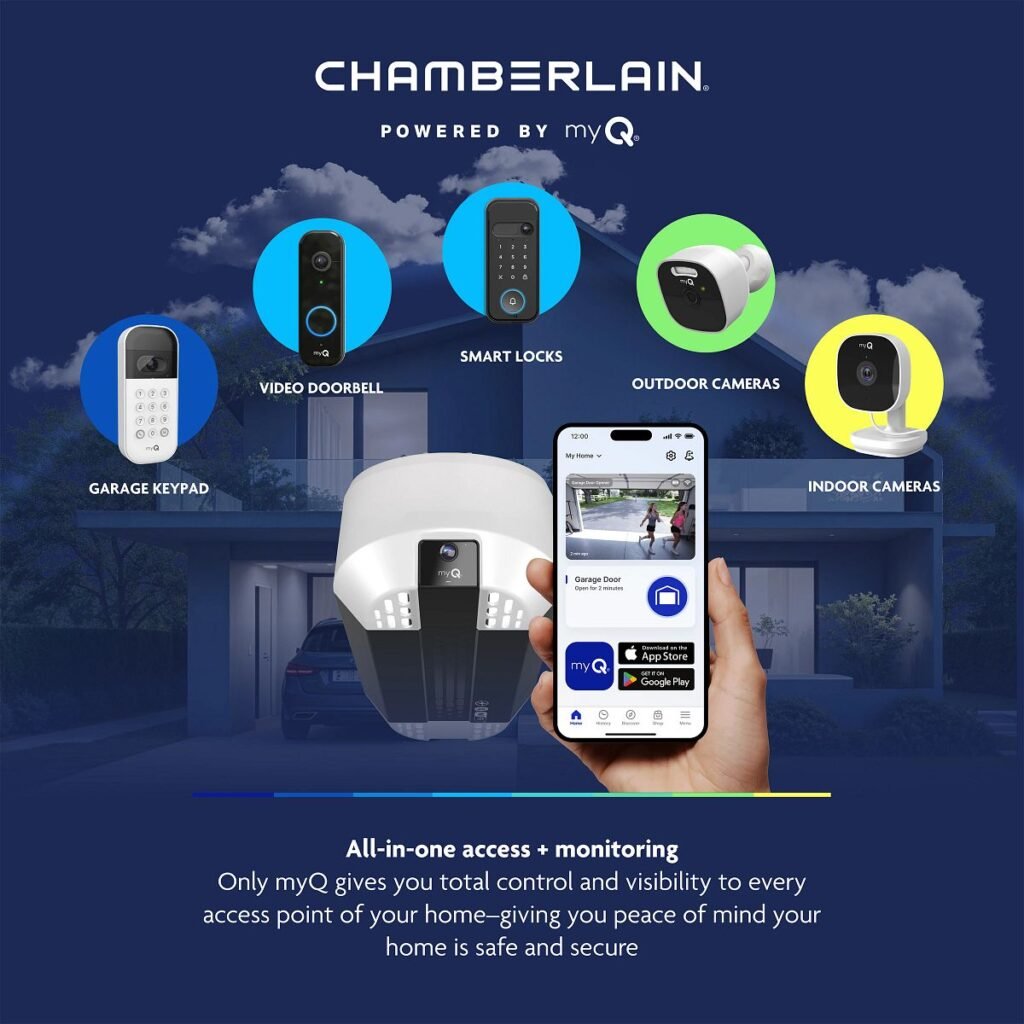
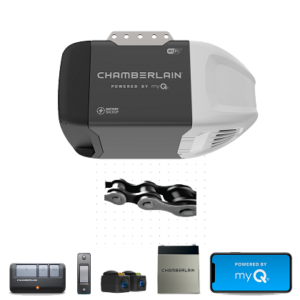
What's In the Box
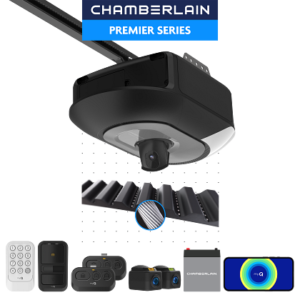
Every Chamberlain opener we install comes with its full set of accessories — here's exactly what ships in the box with this model.
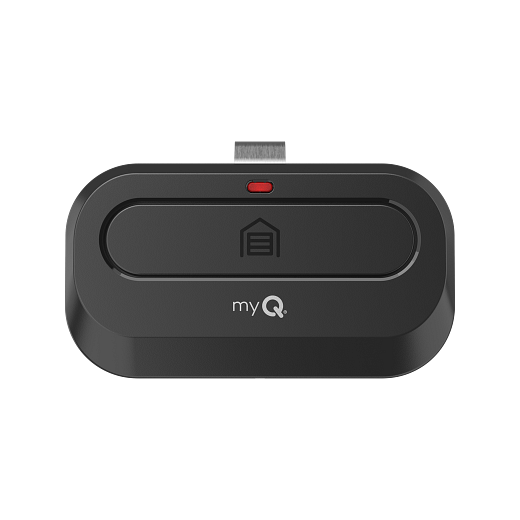
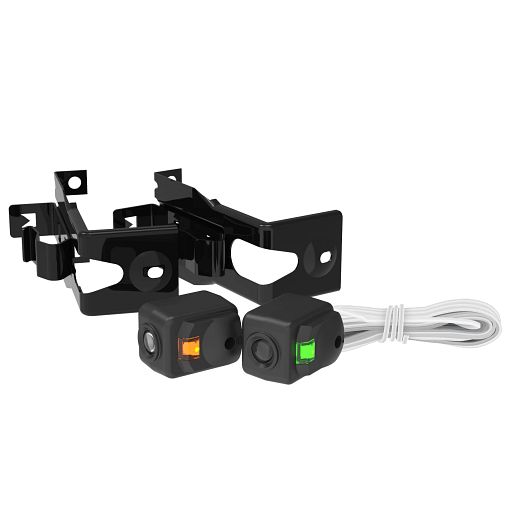
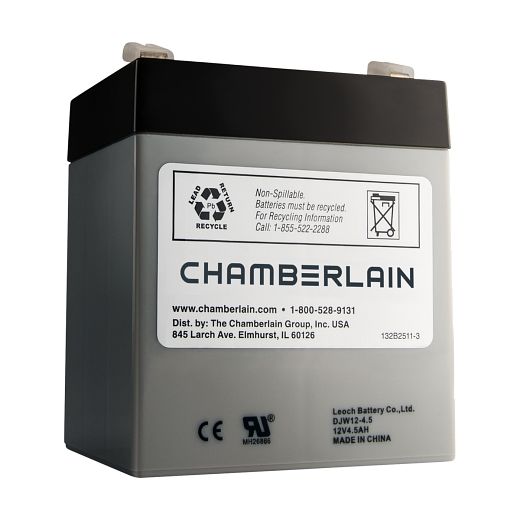
Compatible Accessories
- CH363C CH363
- CH361
- CHU62C CHU62
- MYQ-CH382,MYQ-CH382C,CH382, CH382C CH382
- CH348
- MYQ-CHU48,MYQ-CHU48C,CHU48 CHU48
- VKP1-MYQMC MYQ-K40TXXW
- CH125
Maintenance Schedule
A few minutes of the right maintenance keeps your opener quiet and your springs living out their full life. Here’s the schedule the manufacturer recommends, in plain language.
Every month
- Place a 2x4 flat on the floor under the door and close it — the door must reverse when it touches the wood.
Once a year
- Spray a light garage-door lubricant on rollers, hinges, and the torsion spring shaft (never on the tracks themselves).
- Unplug the opener at the wall and run a full open-close cycle on battery — replace the battery if it can't finish the cycle.
Every 2–3 years
- Look at the belt or chain tension — a little slack is normal, but slap or sag against the rail means it wants adjustment.
Don’t want to fuss with a ladder? Our annual tune-up covers all of the above and adds a hands-on safety inspection. Book a tune-up online.
Warranty
Manufacturer Documents
Spec sheets, owner's manuals, and install guides published by the manufacturer. Click any document to open the PDF.
Chamberlain C4310 Installation in Mesa, Gilbert & the Phoenix Area
Thinking about putting a Chamberlain C4310 on your garage? Here's how Farnsworth handles it.
We source the opener for you
You don't need to track down the Chamberlain C4310 yourself. We stock and source Chamberlain openers for our clients and bring the right one to your home.
Professional install, done right
Chain drives are durable and forgiving, but chain tension and rail alignment matter. We set the Chamberlain C4310 up so it runs smoothly from day one.
Tuned, tested, and explained
We balance the door, set the travel limits and force, test the safety reverse, program your remotes and the myQ app, and walk you through everything before we leave.
Old opener on its way out, or building new? See our opener installation & replacement service, book a visit, or call (602) 935-9766 — same-day service is our standard.
Signs It's Time to Replace Your Opener
A garage door opener is easy to ignore until it strands you. If any of these sound familiar, it's worth a conversation:
- Your opener is 10–15 years old or older — motors and logic boards wear out, and parts get harder to find.
- It still uses a fixed code instead of rolling-code security, which leaves your garage vulnerable.
- It has no auto-reverse safety system, or the reverse is unreliable — a serious hazard with kids or pets.
- It's slow, loud, or shakes the whole garage every time it runs.
- It has no battery backup — so a Phoenix monsoon outage locks you out (or in).
- It can't connect to your phone, and you want to check or close the garage from anywhere.
The Chamberlain C4310 solves the outage problem with built-in battery backup — and we can have it installed before you know it. Learn more about opener repair & replacement, or call (602) 935-9766 and we'll tell you honestly whether a repair or a replacement makes more sense for your door.
What We Watch For on the Chamberlain C4310
- The Chamberlain C4310 uses a Yellow learn button. That tells us exactly which generation of remotes and accessories pair with it — a detail that trips up a lot of DIY programming attempts.
- It runs on Security+ 3.0 security. We make sure any remotes, keypads, or accessories we add are matched to that protocol so nothing gets locked out.
- On a chain drive like this one, we always check chain tension and rail lubrication during a service call — it's the cheapest way to add years of quiet life to the opener.
- Battery backup is only as good as the battery. In Arizona heat, backup batteries age faster than the spec sheet says — we test yours and tell you straight when it's time.
Frequently Asked Questions
Can Farnsworth install the Chamberlain C4310 in the Phoenix area?
Yes. We source, install, and service the Chamberlain C4310 across Phoenix, Mesa, Gilbert, Chandler, Queen Creek, Scottsdale, Tempe, San Tan Valley, and the rest of the East Valley. You don't need to buy the opener separately — we stock and bring it to you.
Do you repair the Chamberlain C4310, or only install new ones?
Both. Whether your Chamberlain C4310 needs a repair, a tune-up, or a full replacement, Farnsworth handles it. We work on this model regularly and carry the common parts.
My Chamberlain C4310 is acting up — can it be fixed, or should I replace it?
That depends on the issue and the age of the unit. We'll diagnose it honestly and tell you whether a repair or a replacement is the better value for you — we don't upsell.
How soon can you come out?
Same-day service is our standard, and we'll get to you as quickly as we can. Call or text (602) 935-9766 and we'll find the soonest time that works.
Does the Chamberlain C4310 keep working during a power outage?
Yes — the Chamberlain C4310 has built-in battery backup, so you can still get in and out during a Phoenix monsoon outage. We test and replace backup batteries as part of our service.
The Chamberlain C4310 is discontinued — can you still service it?
Yes. We still repair and maintain the Chamberlain C4310, and when parts finally run out we can recommend and install a current replacement that fits your door.
Does the Chamberlain C4310 work with Alexa, Google Home, or HomeKit?
The Chamberlain C4310 is compatible with Amazon Alexa and Google Home. Once it's on your Wi-Fi, ask your voice assistant to close or check the garage — no extra hub required.
What HomeLink versions does the Chamberlain C4310 pair with?
The Chamberlain C4310 pairs with HomeLink 4.0, 5.0, 6.0. If your car has an older HomeLink 3 or earlier you'll need a repeater — call us and we'll walk you through it.
How do I program a new remote to my Chamberlain C4310?
Press and release the LEARN button on the back of the powerhead — the indicator light will glow. Within 30 seconds, press the button on your remote that you want to use for this door. Watch for the confirmation signal (usually the opener light flashing twice or a pair of clicks). If it doesn't take on the first try, replace the remote's battery and try again.
How do I wipe every remote from my Chamberlain C4310's memory?
Press and hold the LEARN button on the back of the powerhead until the indicator LED turns off (about 30 seconds). That clears every paired remote and keypad. Re-pair only the ones you want to keep afterward — good practice if a remote is lost or stolen.
What does it mean when my Chamberlain C4310's indicator LED flashes several times?
The Chamberlain C4310 flashes a numbered code — like 2 flashes, 3 flashes, 5 flashes, etc. — to tell you what tripped it. Common causes include a misaligned safety sensor, a door obstruction, or a programming session that timed out. The Diagnostic Codes section on this page walks each one.
How often should I service the Chamberlain C4310?
Manufacturer-recommended maintenance is monthly for the safety-reversal test and a quick visual check, and yearly for lubricating rollers, hinges, and the torsion spring shaft. See the Maintenance Schedule section on this page for the full list — or book a Farnsworth tune-up and we'll run the whole checklist for you.
Should I install the Chamberlain C4310 myself or hire a pro?
Hire a pro — and here's why. An opener is only as good as the door it's mounted to. Springs have to be sound and the door balanced before the opener ever goes on, or you're handing all the strain to a brand-new motor. The rail has to be perfectly square, or a quiet opener turns noisy fast. Travel limits and force settings have to be tuned so the safety reversal works the way UL 325 requires. Photo eyes have to be aligned. Programming rolling-code security and smart-home pairing trips up a lot of DIY attempts. We install Chamberlain openers every day across Mesa and the Phoenix area — we know which torsion setup pairs with your door weight, we catch a fatigued spring before it snaps, and we haul off the old unit. Our install includes the opener, tuning the door and opener as a system, and testing every safety feature before we leave. Call (602) 935-9766 and we'll get it done right the first time.
Do universal remotes work with the Chamberlain C4310?
The Chamberlain C4310 uses Security+ 3.0 rolling-code security. Any universal remote or keypad you buy needs to explicitly support Security+ 3.0 — check the packaging before you buy. If in doubt, bring the remote in and we'll check compatibility on the bench.
What areas do you serve?
Farnsworth Garage Door Service covers Phoenix, Mesa, Gilbert, Chandler, Queen Creek, Scottsdale, Tempe, San Tan Valley, and the rest of the East Valley.
Where We Service the Chamberlain C4310
Farnsworth handles Chamberlain C4310 repairs and installations across the Phoenix metro. Same-day service is our standard — wherever you are in the Valley, we come to you.
Why Homeowners Call Farnsworth for Their Chamberlain Opener
A real local name
Farnsworth Garage Door Service is run by brothers Brigham and Riley Farnsworth — a name the East Valley has known for decades. You're calling neighbors, not a national call center.
5.0 stars from your neighbors
A perfect 5.0 Google rating from our neighbors. We treat every garage like it belongs to someone we'll see at the grocery store — because it usually does.
We know this brand cold
We install and repair Chamberlain openers every week. We know the programming quirks, the common failure points, and which parts to keep on the truck.
Same-day is our standard
A garage door problem doesn't wait, and neither do we. Same-day service is the norm, and we show up when we say we will.
Tech Spec Sheet
For installers and Farnsworth techs in the field. Most homeowners can skip this section.
Programming & Remote
Power, Compliance & Engineering
The Chamberlain C4310 has been discontinued — but we still service it.
If your Chamberlain C4310 is acting up, refusing to open, or finally giving out, we can usually repair it (parts permitting) or help you choose a current replacement that fits your door and your budget. We've worked on every era of garage door opener still hanging in East Valley garages — yours won't surprise us.